Thursday, February 9, 2012

Portrait Demo

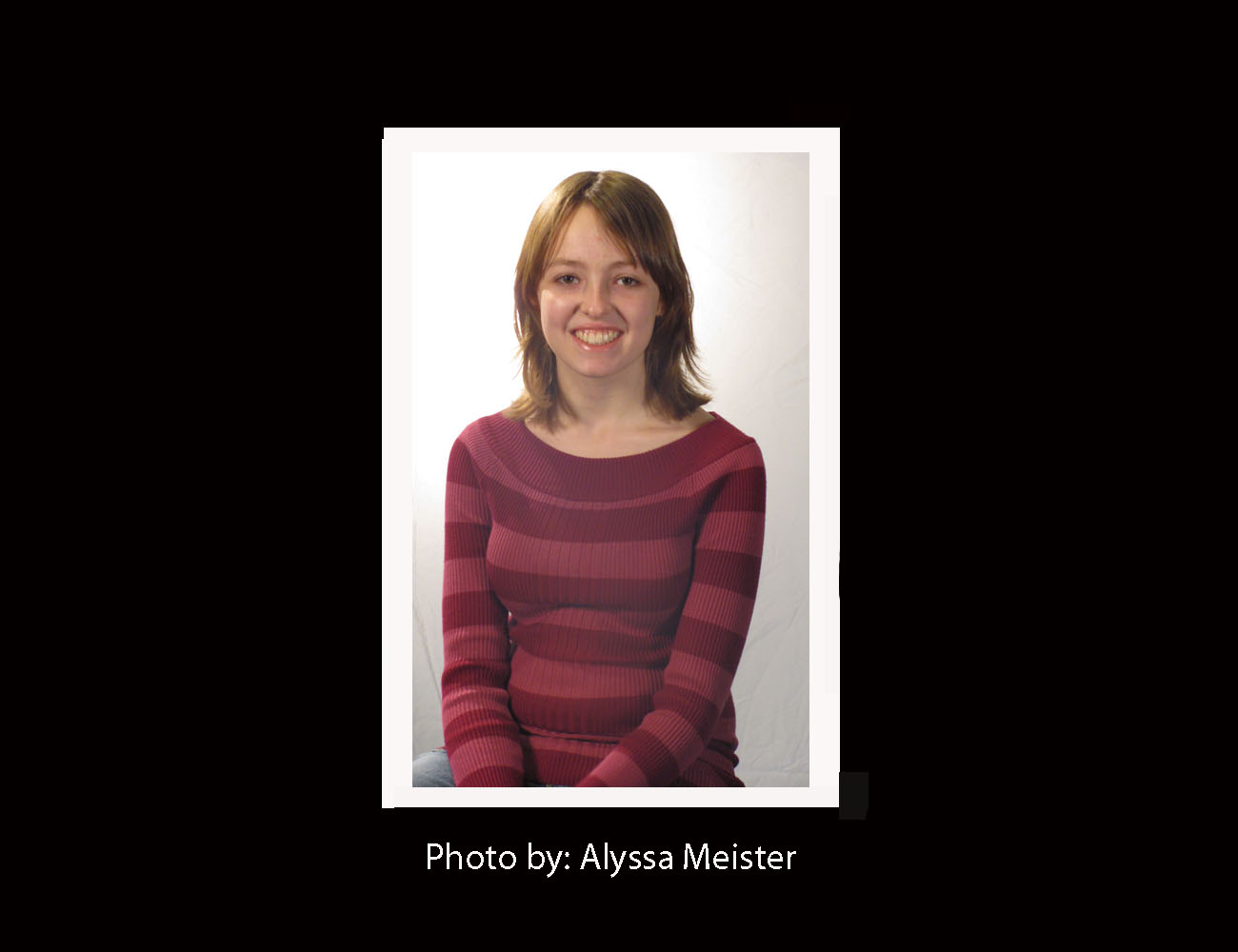
For this assignment, we had to take two Portrait photos, one with an official 3-Point Light setup, the other just using light from a window and poster board. The light reflecting off the poster board puts light on the other half of the persons face, so the other half of the face isn't shadows. The 3-Point Light setup has real, expensive lights that provide all the light needed for a good portrait photo. After setting the Shutter Speed on my camera higher (around 1/160) all I had to do was turn on the Portrait Setting, center the picture, and take it. The best pictures I took are below. The right was taken with the window and poster board, and the left with the 3-Point Setup.


Monday, February 6, 2012

Photo Assignment 3, Black and White

For my third photo assignment, I chose to take pictures in black and white. I took pictures of mostly trees, bushes, and a few different landscapes. Some of these photos were taken on a school camera, but most I took on my camera from home. After walking around and getting a lot of pictures, I uploaded them to Photoshop and changed them to black and white photos. The best Black and White picture I have is below.


The ISO of this picture is 64, the Fstop is f/9.4 and the Shutter Speed is 1/296. It was sunny the day I took this so I didn't use a flash. The other ten of my best Black and White photos are below.


The hardest thing about this assignment was finding things to take a picture of, and getting certain objects or backgrounds to be blurry. My camera also works a lot differently from the ones we use at school so I had to change a lot of the settings to make the photo look right.

Friday, February 3, 2012

Panoramic Photos

For this assignment, we learned how to make a Panoramic photo. This basically means you take a picture of something, but you're able to show more of the landscape. You do this by taking a picture of a landscape, then moving the photo to a different part of the landscape, while also overlapping about 30-40% of the previous photo. You can end up with 3-7 photos for each Panoramic. Then all you have to do is upload the pictures to Photoshop, and it'll blend them all together for you. The Panoramic photos I took are below.


What I learned from this assignment wasn't just how to make Panoramic photos, but also how to find things that are good for making a panoramic, like the side of a building or large landscapes. My favorite thing about this assignment was putting the 4 or 5 pictures I took and turning them into a much better photo then if I had just one.

Tuesday, January 31, 2012

Motion Demo

For this assignment our class went outside and took an picture of someone riding a bike. Our goal was to blur out the background and keep the person on the bike in focus. What made this assignment difficult was the bright lights outside. The shutter speed also had to be lower (1/100), and the aperture higher (8.0) to get  a better looking photo. The ISO was also set very low (only 80). What I learned from this assignment was that the lighting of where you are really changes how the settings o your camera need to be set. If they're not correct, the photo won't be good. The best photo I took is below.


Monday, January 30, 2012

Photo Assignment 2, Macro

For my second Photo Assignment, I used my own camera to take pictures of various items around my house. I used a Macro/Close-Up Setting on my camera to get more detail into the pictures. It was kind of hard to find things to take pictures of, but after I had enough I uploaded them to Photoshop and edited a few to make them look better. I mostly just cropped them and used the Clone Tool to get rid of dust or other objects I didn't want in the picture. The best picture I took is pictured below.


The ISO of this picture is 800, the Fstop is f/3.1, and the Exposure is 1/3 seconds. I didn't use a flash when I took this picture either.


The hardest thing about this assignment was getting the camera to focus in enough on the object to see the detail but not make the photo very blurry. I'm also used to he school's cameras so using my camera again needed some getting used to. I had to be really patient with this assignment because there's a lot of camera settings you have to change and you have to make the photo look just right in the end.

Thursday, January 26, 2012

Photo Assignment 2 Inspiration

For my second Photo Assignment, I plan on focusing on the subject of Macro. Macro is focusing really close in on an object, animal, person, anything. I hope that doing this assignment will help teach me how to use the Macro settings on my camera. I haven't used it a lot, and I'm not sure what I'm looking for exactly, but I'll keep some of these photos in mind and keep an eye out for something to take a picture of.

Ladybug

Water Droplets on Leaf

Flower

These photos are good inspiration because they really show a close up detail of these animals and objects. Also, a lot of the pictures are lighter so I think I'm going to look for areas with good lighting when I'm taking pictures for this assignment. I hope I find some really good ones. :)

Photo Retouching

For this assignment, we had to use Photoshop and change the original photo of a car, and use different Layers, Clone Tools, Crop Tools, and and Painting Tools to make the photo look better. We had to make sure the car looked better, but not totally different from before. Below is the before and after of the photo.


By completing this assignment, I learned how to use Photoshop tools much better, so now I can make other photos I take look even better. Making small adjustments to a photo, such as cropping and maybe changing the layers slightly, make a photo look a lot better then the original. The most important thing I learned about Photoshop from this assignment was making sure you're on the right layer when editing the photo, because if you're on the wrong one, the photo won't change at all. I also think the Undo tool is important because it helps you undo any mistakes or accidents you made with the photo. 

 But the photos we see today in magazines and on billboards are much different. The editors of those photos make a person look completely different. The issue is that Photoshop is being misused and overused by these people and that's what people are comparing themselves and others to. I don't mind a little change in a photo, but I don't think  completely transforming a person is necessary for an advertisement.